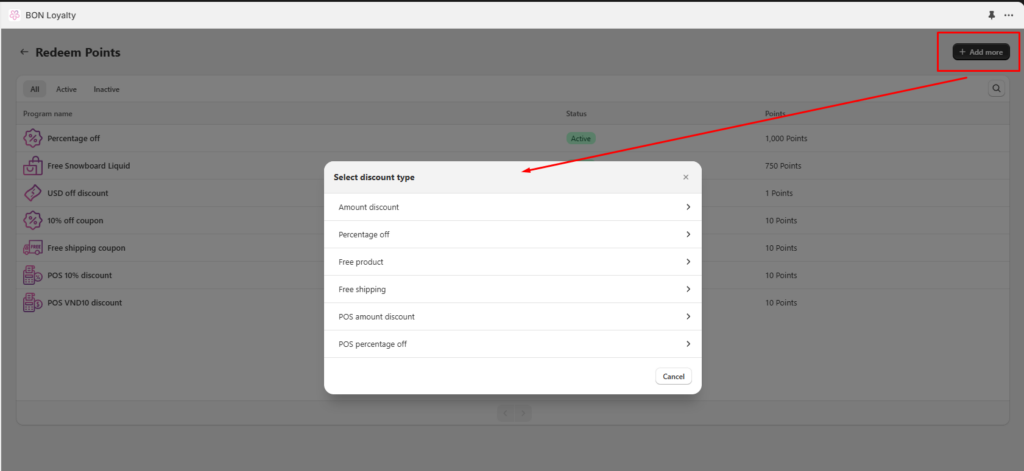
Redeem Points Ratio: X points = X*Y (Y is your desired cashback percentage). 例: If you’re targeting a 5% cashback, set 500 points to equal $25 off (500 x 0.05 = 25)
この方法なら、シンプルでわかりやすく、お客様にとっても嬉しい仕組みになります。
リワードの種類
オンラインリワード:
金額割引
割引率(%)
Free Product (available on the Basic plan and higher)
送料無料
POSリワード:
POS金額割引
POS割引率(%)
注記: Online and POS discounts operate independently. To enable in-store customers to redeem BON rewards, make sure to create and activate POS discounts separately. If necessary, you can manually apply an online discount on POS by selecting Apply Discount > Discount Code, entering the customer’s redeemed online coupon code, and then saving it.
リワードの表示場所
オンラインリワード: Displayed on the BON widget (available on every plan) or Loyalty page (available on the Basic plan and higher).
POSリワード:
POSシステム上のBONタイルに表示されます。
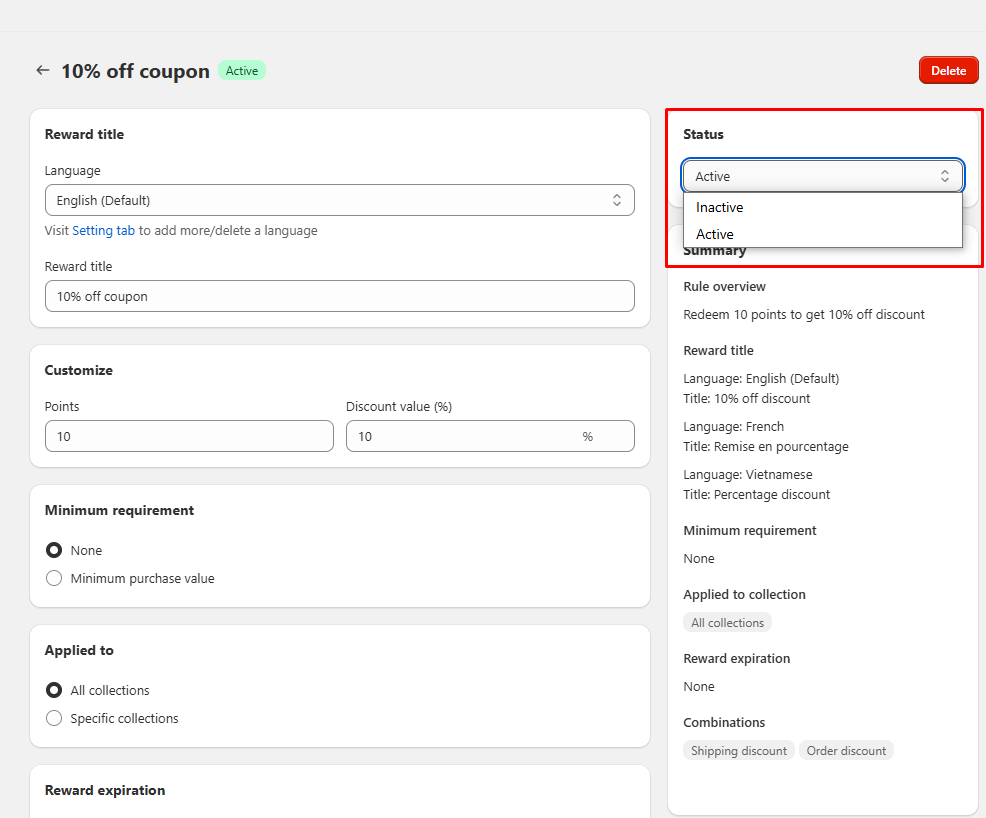
リワードを有効化 / 無効化
リワードを有効化するには:ステータスを 有効 に変更します。
リワードを無効化するには:ステータスを 無効 に変更します。
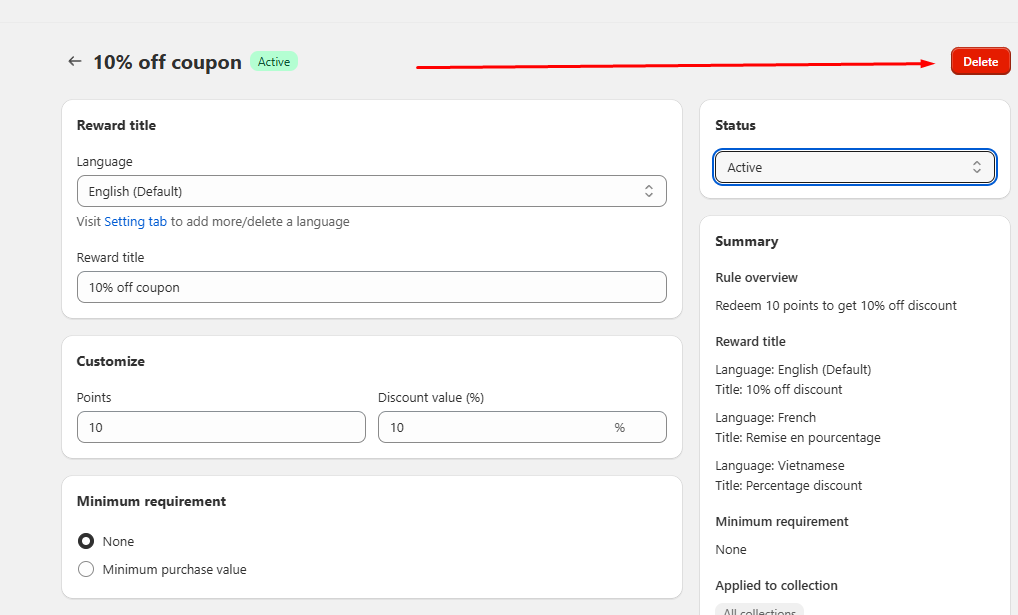
リワードを削除する
Click on Delete in the top right corner of the reward setup page to remove a reward.